11 Free Tools for Instagram Success in 2026
Quick Answer: the best free Instagram tools in 2026 are Instagram Insights (analytics), Edits by Instagram (video), Meta Business Suite or Buffer Free (scheduling), and Canva Free or Adobe Express…


Quick Answer: the best free Instagram tools in 2026 are Instagram Insights (analytics), Edits by Instagram (video), Meta Business Suite or Buffer Free (scheduling), and Canva Free or Adobe Express Free (design). Add Metricool Free if you want competitor benchmarks, Clipchamp Free for desktop captions, VSCO Starter for photo-led grids, Pexels for supporting media, and Linktree Free for a link-in-bio destination.
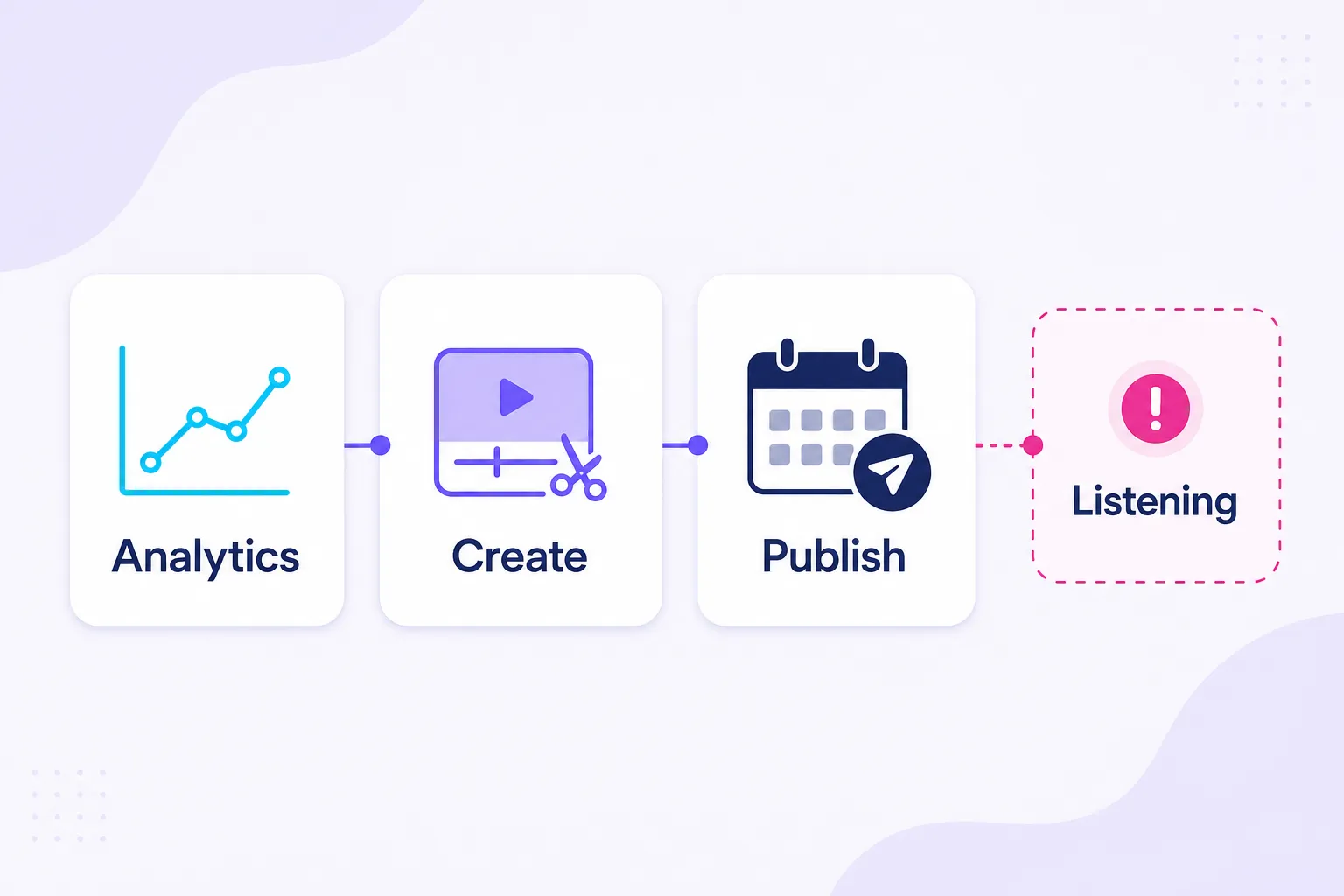
A working free stack needs only three slots - one analytics source, one creation tool, one publishing route - and the single job no free Instagram tool does is social listening, which is why that gap is priced out plainly below rather than hidden.
Best overall free stack: Instagram Insights + Edits by Instagram + Meta Business Suite - analytics, video, and publishing for $0, swapping Buffer Free in for Business Suite the moment you add a third network.
Best Free Instagram Tools at a Glance: Free Limit in One Line
| Tool | Best for | Free limit in one line |
|---|---|---|
| Instagram Insights | First-party performance data | Reporting window up to 90 days, demographics only after 100 accounts reached or engaged |
| Edits by Instagram | Phone-first Reels | Phone-first workflow; watermark-free export, capture up to 10 minutes |
| Meta Business Suite | A business that lives on Facebook and Instagram | No post cap, but Meta networks only |
| Buffer Free | A solo creator on several networks | 3 channels, 1 user, 10 queued posts per channel |
| Metricool Free | Small-brand reporting with competitors | 1 brand, 20 planner posts per month, 30 days of history, 5 fixed competitor slots |
| Adobe Express Free | Design plus scheduling in one place | Up to 1,000 posts per month, 1 account per network |
| Canva Free | Carousels and branded graphics | 5GB storage, 1 Brand Kit limited to 3 colors, Pro content locked |
| VSCO Starter | Photography-led feeds | 15 presets, 1 saved Recipe, no video editing tools |
| Clipchamp Free | Desktop video and captions | Exports up to 1080p, one transcription language per video |
| Pexels | Supporting photos and video | Whole library free to use, non-exclusive, no implied endorsement |
| Linktree Free | A link-in-bio destination | Unlimited links, analytics for the last 28 days, Linktree branding stays |
The full comparison table, with permanence and paid entry points, is further down the page.
The 11 Best Free Instagram Tools in 2026, Reviewed
Every tool below gets the same one-line verdict, the same table, and the same five sub-sections, so you can read them side by side instead of in sequence.
1. Instagram Insights: Best for First-Party Performance Data
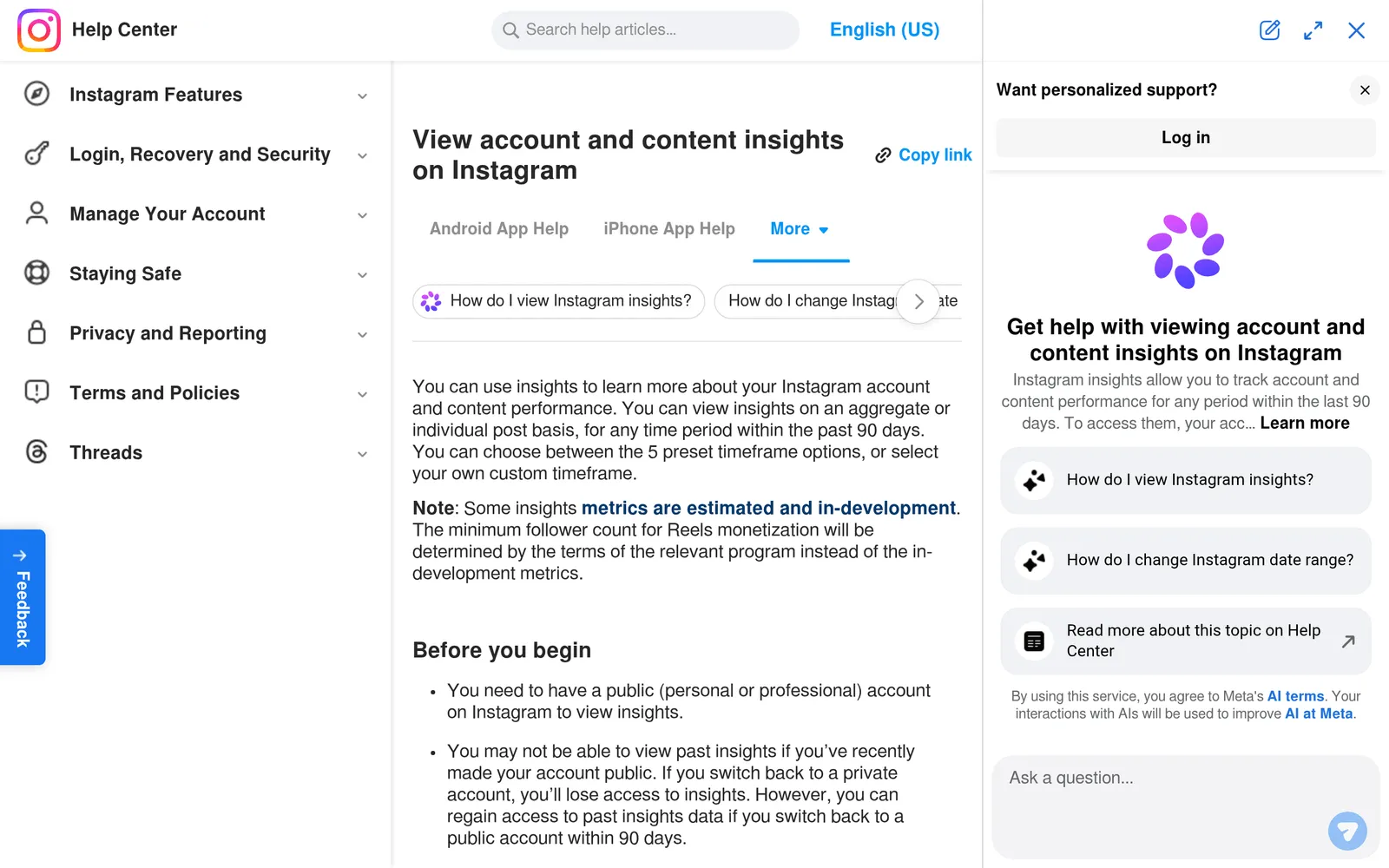
Instagram's native reporting lives in the professional dashboard and is documented in the Instagram Help Center.
Verdict: the source of truth for every Instagram account, and the number that wins whenever a third-party dashboard disagrees.
| Attribute | Detail |
|---|---|
| Cost | $0 |
| Access requirement | Public account; the full professional dashboard requires a Business or Creator account |
| Free allowance | Account and content reporting, preset ranges up to the last 90 days plus custom ranges inside that window |
| Documented limit | Audience demographics appear only after you reach or engage at least 100 accounts in the selected period |
| Paid upgrade | None |
What the free plan includes
Views sit at the top of the reporting, across posts, Stories, and Reels, with engagement and audience broken out separately. You get profile visits, follows, interactions, share and skip behavior on video, and follower activity by day and hour. Nothing here costs money and nothing is rate limited.
Where it falls short
There is no competitor view, no automated export, and no multi-network comparison. Retention also is not one single number: account-level reporting, individual content reporting, and Stories reporting do not all keep data for the same period, and a third-party tool's history is its own window, not Instagram's. If you go private you lose access, and small accounts often see empty audience panels on short date ranges.
Non-obvious insight
Most teams read Insights as a scoreboard. Read it as a comparison set instead. Pull five pieces of content with the same job, for example five tutorials, and compare them against each other, because one unusually successful post is a story, not a formula.
Ideal fit
Every account. This is your source of truth, and when a scheduler's dashboard disagrees with Insights, Insights wins.
Skip it if
Nothing to skip. Just do not expect it to explain what people say about you elsewhere.
2. Edits by Instagram: Best for Phone-First Reels
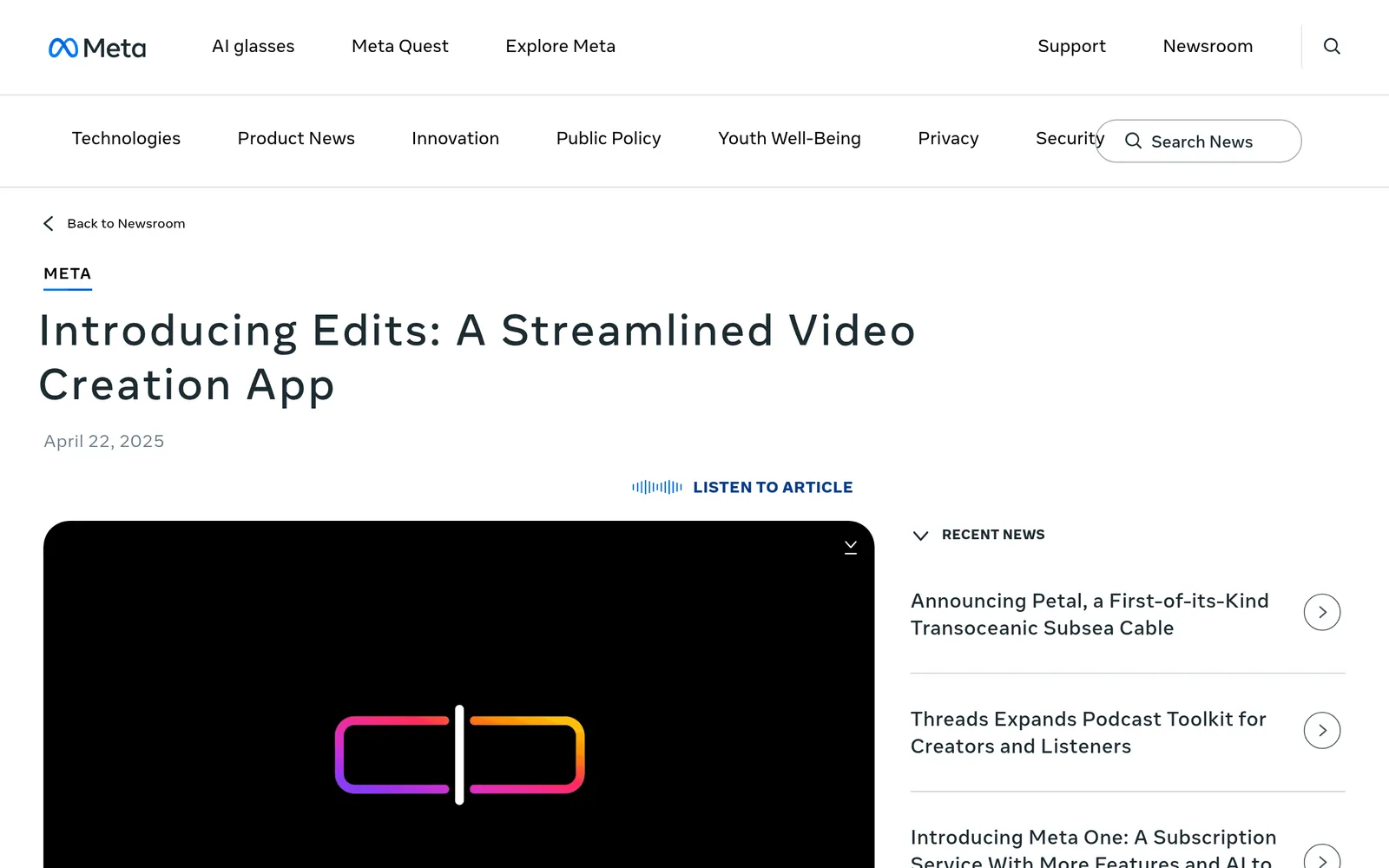
Meta introduced Edits in April 2025 as a free video app for creators.
Verdict: the default free Reels editor for anyone shooting on a phone.
| Attribute | Detail |
|---|---|
| Cost | $0 for the core app |
| Access requirement | Mobile app with Instagram sign-in |
| Free allowance | Frame-accurate editing, capture up to 10 minutes, caption styling, watermark-free export, performance insights including skip rate |
| Documented limit | Phone-first workflow; announced paid additions arrive through Meta One |
| Paid upgrade | Meta announced Edits Plus on September 15, 2026, with extra cloud storage and more assistant usage, described as forthcoming |
What the free plan includes
Editing, captions, and review in one place, with exports that carry no added watermark. The useful part is the feedback loop: production and diagnosis sit in the same app, so the skip rate you read informs the cut you make next.
Where it falls short
It is built for vertical Instagram video first, so desktop editors and cross-platform publishers will still want a second tool. Feature availability differs by platform and version, and some capabilities announced in 2026 are not in the free app today. Do not plan a workflow around a headline you read in a keynote.
Non-obvious insight
The pairing nobody uses. Diagnose in Insights, fix in Edits, then re-cut only the opening three seconds rather than rebuilding the whole video. Most underperforming Reels lose viewers before the idea arrives, and reshooting the hook is cheaper than reshooting the piece.
Ideal fit
Anyone producing Reels weekly on a phone who currently tolerates a watermark or a paid export from another editor. If your aim is to grow your followers, give each video one clear reason for the right viewer to want the next one.
Skip it if
You edit on a laptop with camera footage, or you produce for TikTok first. Keep your editor and use Edits for the retention data only.
A note on CapCut, InShot, and other popular mobile editors. They are missing from this list because of how it is sourced, not because of what they can do. This roundup only publishes free-plan allowances I could read directly from a vendor pricing page, help center article, or product announcement during the September 2026 pass, and I could not do that for those apps in this pass.
See What Dropped Off the List, and Why for the longer version. For Instagram-first vertical video, Edits is the default here because Meta documents watermark-free export; for desktop, Clipchamp is the route with an editable transcript and an SRT download.
3. Meta Business Suite: Best for Facebook and Instagram Operations
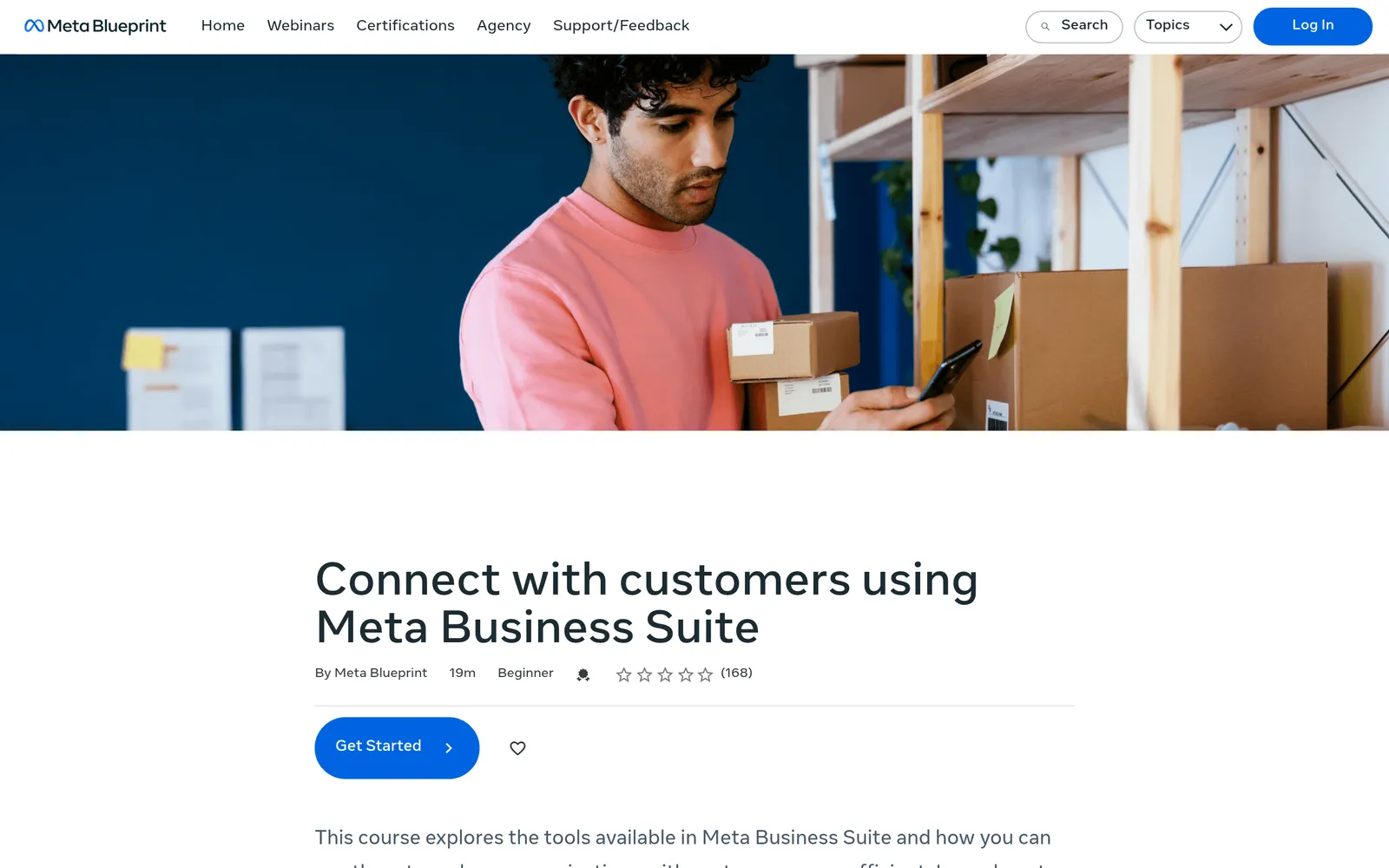
Meta's own Business Suite training covers scheduling posts and Stories and handling customer conversations from one Inbox.
Verdict: the strongest free Instagram scheduler if your presence is Instagram plus Facebook and nothing else.
| Attribute | Detail |
|---|---|
| Cost | $0 for the management tool |
| Access requirement | Appropriate access to the connected business assets, usually a Page plus a professional Instagram account |
| Free allowance | Scheduling for posts, Reels, and Stories on Facebook and Instagram, plus a unified inbox |
| Documented limit | Meta networks only; advertising spend is billed separately |
| Paid upgrade | None |
What the free plan includes
The most under-used free scheduler on the market, mostly because it does not advertise itself. You plan Facebook and Instagram from one calendar, answer DMs and comments in one inbox, and see when your own followers are active rather than when an industry chart says to post.
Where it falls short
It touches nothing outside Meta. Setup trips up creators who never wanted a Facebook Page, and the composer does not always accept every element you can add natively inside Instagram. Check the composer before you commit a format like product tags or collaborator posts to a scheduled slot.
Non-obvious insight
Turn the inbox into your content calendar. If three people ask the same question in a week, that is a scheduled post, and you should publish it at a time when you can also answer the follow-up comments. Treat published best posting times as a hypothesis to test against your own audience and your own staffing, not a timetable.
Ideal fit
Small businesses and local services whose whole presence is Instagram plus Facebook. If that is you, a paid scheduler is optional.
Skip it if
You publish to TikTok, Pinterest, LinkedIn, or YouTube as well. Running two schedulers is worse than paying for one.
4. Buffer Free: Best Free Cross-Platform Queue
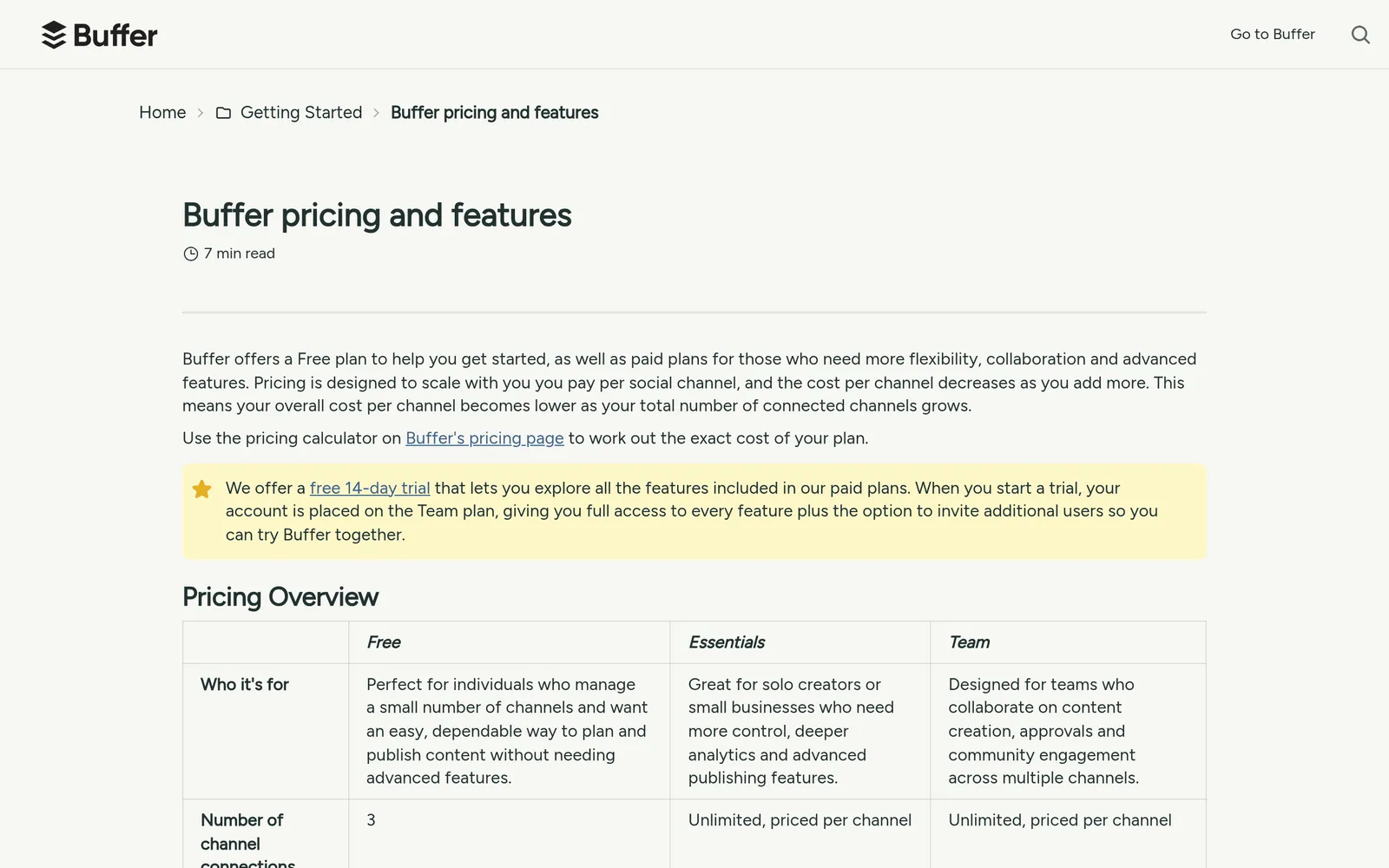
Buffer publishes its plan boundaries in the Buffer Help Center.
Verdict: the best free queue for a solo creator publishing to Instagram plus one or two other networks.
| Attribute | Detail |
|---|---|
| Cost | $0 |
| Access requirement | 1 user, 3 connected channels |
| Free allowance | 10 queued posts per channel at a time, slots reopening after publication, plus 100 ideas, basic analytics, and the Community inbox |
| Documented limit | Analytics ranges up to 30 days; Instagram Stories scheduling is included on Free |
| Paid upgrade | Essentials from $6 per channel per month |
What the free plan includes
A clean queue across Instagram and most other networks, idea storage, a comments inbox, and simple reporting. Instagram Stories scheduling is on the free plan, which contradicts a claim I see repeated constantly, so check the feature matrix rather than the rumor.
Where it falls short
One user means no approval workflow. Thirty days of analytics is shorter than Instagram's own window, so Buffer should not be your performance archive. And ten queued posts per channel is a capacity limit, which behaves very differently depending on how often you refill it.
Non-obvious insight
Buffer's channel documentation caps the number of unique channels you can ever connect per social network on the free plan at eight, alongside the three you can have connected at once. Disconnecting does not reset the count. Freelancers and agencies who test client accounts on one free login burn through that quietly and then cannot connect the next client, so keep a separate login per engagement. The detail is buried in Buffer's guide to connecting your channels.
Ideal fit
A solo creator or small business on Instagram plus one or two other networks, publishing a few times a week and reviewing the queue weekly.
Skip it if
You post daily across four networks. At $6 per channel per month, fighting the queue cap costs more in attention than the upgrade costs in money.
The Queue-versus-Quota Test: compare unattended publishing time, not the headline post count.
Ten queued posts covers ten days at one post per day. Refill weekly and that same limit stops mattering. Batch monthly and it fails on day eleven, which is exactly when you are least likely to notice.
5. Metricool Free: Best for Small-Brand Reporting
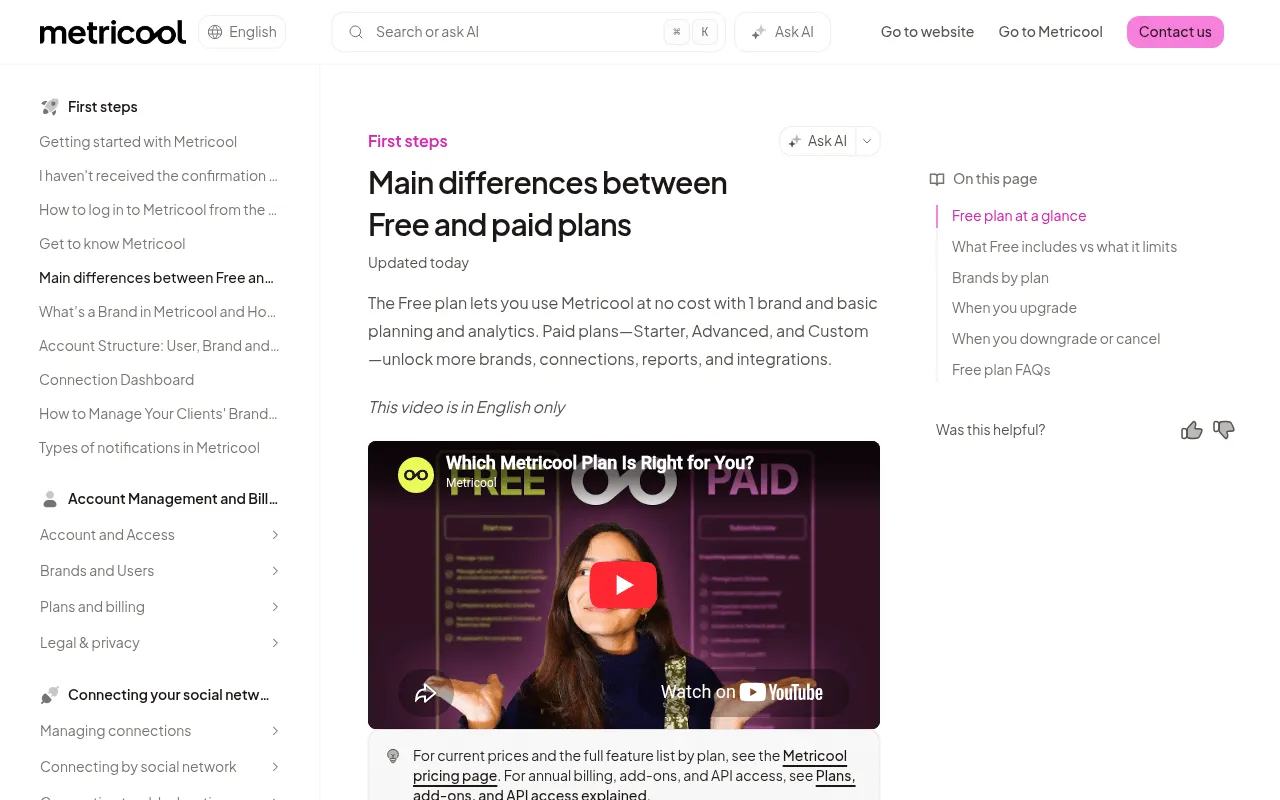
Metricool documents its free boundaries in its guide to the differences between free and paid plans.
Verdict: choose it if you want competitor benchmarks on one brand without paying, and can live with 30 days of history.
| Attribute | Detail |
|---|---|
| Cost | $0, no credit card required |
| Access requirement | 1 brand |
| Free allowance | 20 planner posts per month, plus analytics and 5 competitor slots |
| Documented limit | 30 days of analytics history, a watermark on analytics, and competitor slots that cannot be removed or replaced on Free; LinkedIn and X connections are not included on Free |
| Paid upgrade | Paid tiers add brands, users, history, and full competitor control |
What the free plan includes
Planning and reporting on one screen for a single brand, with a grid preview and an activity heatmap built from your own audience. Competitor tracking on a free plan is genuinely unusual, and it is the reason Metricool earns a slot here rather than a mention.
Where it falls short
Twenty planner posts per month is a real ceiling for daily publishers. One brand means one business, so agencies upgrade immediately. And 30 days of history makes it a working dashboard, not an archive.
Non-obvious insight
The five free competitor slots are fixed. You choose once, and you cannot swap them out on the free plan, so pick businesses that serve the same audience rather than the five biggest accounts you admire. I have watched teams fill all five with aspirational brands and then have no useful comparison at all. Your social media analytics only get sharper when the comparison set is honest.
Ideal fit
A one-person marketing team running a single brand that wants planning and comparison in the same tab.
Skip it if
You manage multiple brands, need LinkedIn or X on the free plan, or already read Insights daily and would gain convenience rather than information.
6. Adobe Express Free: Best for Design-to-Publishing Workflows
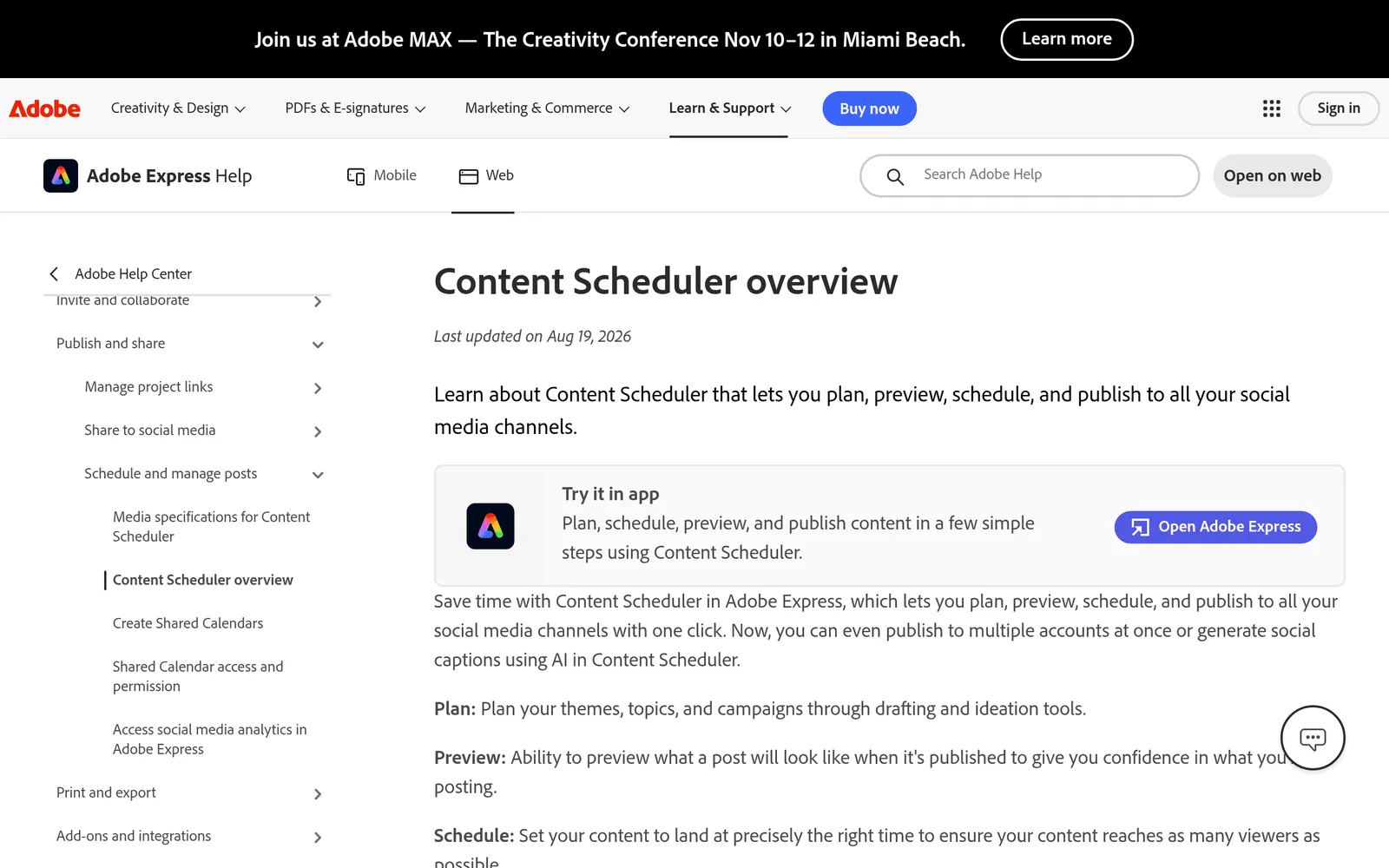
Adobe documents the scheduler allowances in its Content Scheduler overview, updated August 19, 2026.
Verdict: choose it when the bottleneck is the handoff from design to publishing on a single brand.
| Attribute | Detail |
|---|---|
| Cost | $0 for the Free plan |
| Access requirement | 1 connected account per supported social network |
| Free allowance | Up to 1,000 posts per month across supported networks, plus the design editor |
| Documented limit | Additional accounts per network require an upgrade; premium templates and premium stock sit on the paid plan |
| Paid upgrade | Paid Express plan for premium assets and more connections |
What the free plan includes
Design and scheduling in the same environment, with a publishing allowance that no other free plan on this list comes close to. For a single brand that creates its own graphics, this removes the export, download, upload loop entirely.
Where it falls short
A generous post quota is not generous account access. One Instagram account per network on Free rules out client rosters. The premium asset library is also where most of the paid value sits, so run the Export-First Test before you standardize on a template.
Non-obvious insight
Adobe's documentation warns that rearranging posts in the Instagram grid preview changes their scheduled dates and times. That preview looks like a mockup and behaves like a calendar. Approve the visual arrangement first, then do your final date check, or you will publish Thursday's announcement on Monday.
Ideal fit
Single-brand teams who feel the friction between creating an asset and getting it scheduled, and who publish enough volume to make 1,000 monthly posts meaningful.
Skip it if
You manage several Instagram accounts, or your design work already lives in Canva and the handoff is not costing you time.
7. Canva Free: Best for Carousels and Branded Graphics
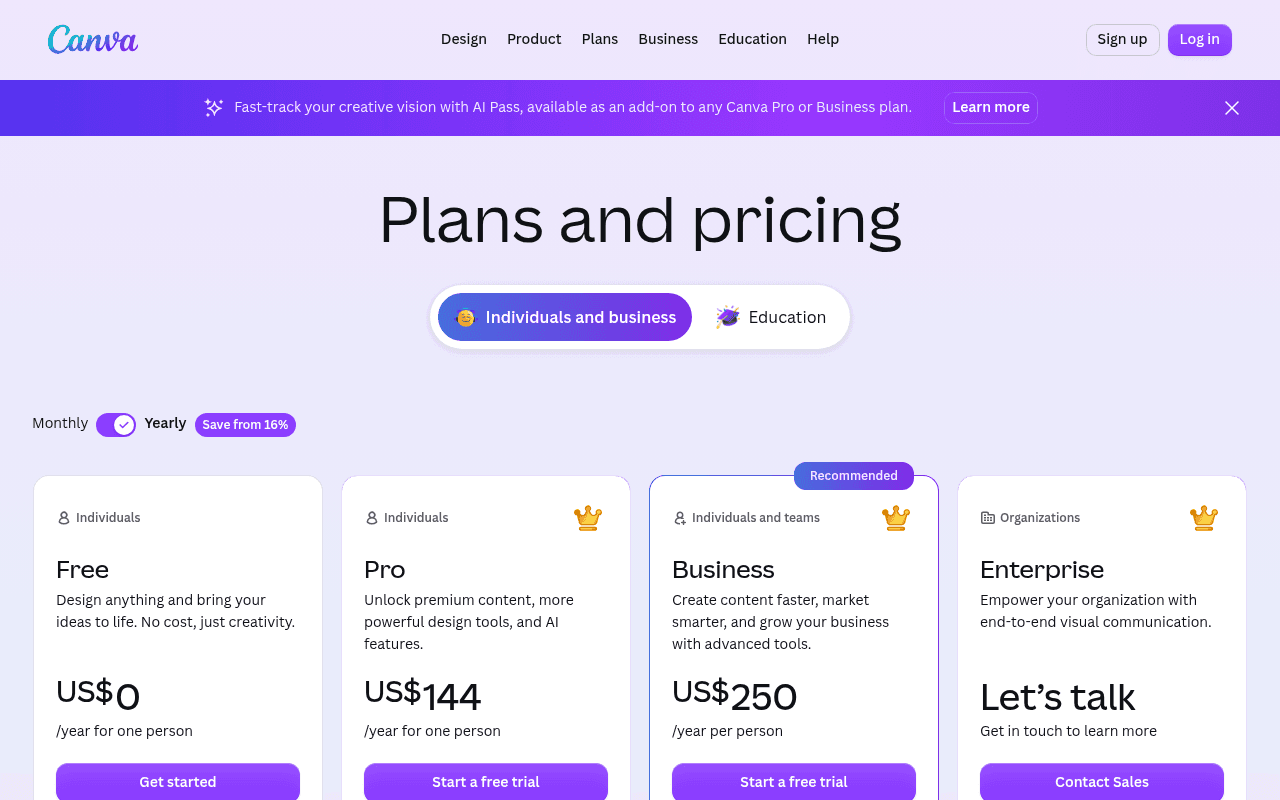
Plan contents are published on the Canva pricing page.
Verdict: the default free design tool for non-designers producing carousels, announcements, and Story graphics.
| Attribute | Detail |
|---|---|
| Cost | $0 for Canva Free |
| Access requirement | Account sign-up, web, desktop, or mobile |
| Free allowance | 1,000+ design types, 1.6M+ templates, 4.7M+ photos, videos, graphics and audio, 5GB storage, 1 Brand Kit limited to 3 colors, access to Affinity, and a limited monthly AI allowance |
| Documented limit | Pro content stays watermarked or needs a per-item license; background remover and one-click resize are paid |
| Paid upgrade | Canva Pro, single user. Published US figures in 2026 have ranged from about $144 to $180 per year depending on billing option, region, and date, and Canva prices by country, so confirm the number on the pricing page before you budget |
What the free plan includes
Every Instagram format has a preset, from carousel slides to Story frames to Reel covers and highlight icons. Exports of free content carry no watermark, collaboration works, and 5GB of storage is enough for a graphics-led account that does not archive video.
Where it falls short
The three-color Brand Kit is the practical ceiling for any real identity system, so most teams end up pasting hex codes by hand. Background removal and resize are the two features people upgrade for, and 5GB disappears once video enters the library. Templates also carry paid elements you only discover at download.
Non-obvious insight
Canva Free includes access to Affinity, the professional design suite Canva acquired in 2024. If your work outgrew template editing but you do not want a full creative subscription, that is desktop-grade layout and photo work sitting inside the plan everyone dismisses as "the template app." Almost no Instagram tool list mentions it.
Ideal fit
Non-designers producing carousels, announcements, and Story graphics on a repeatable layout.
Skip it if
Your brand needs more than three locked colors, or you resize the same asset across four platforms weekly. Also check eligibility first: Canva runs education and nonprofit programs that can give qualifying schools and registered nonprofits paid features at no cost, which beats budgeting for a standard tier.
Build one master file containing only free elements and assets you own, then duplicate it for every campaign. It is the single cheapest way to stop discovering a license requirement at the final download.
8. VSCO Starter: Best for Photography-Led Feeds
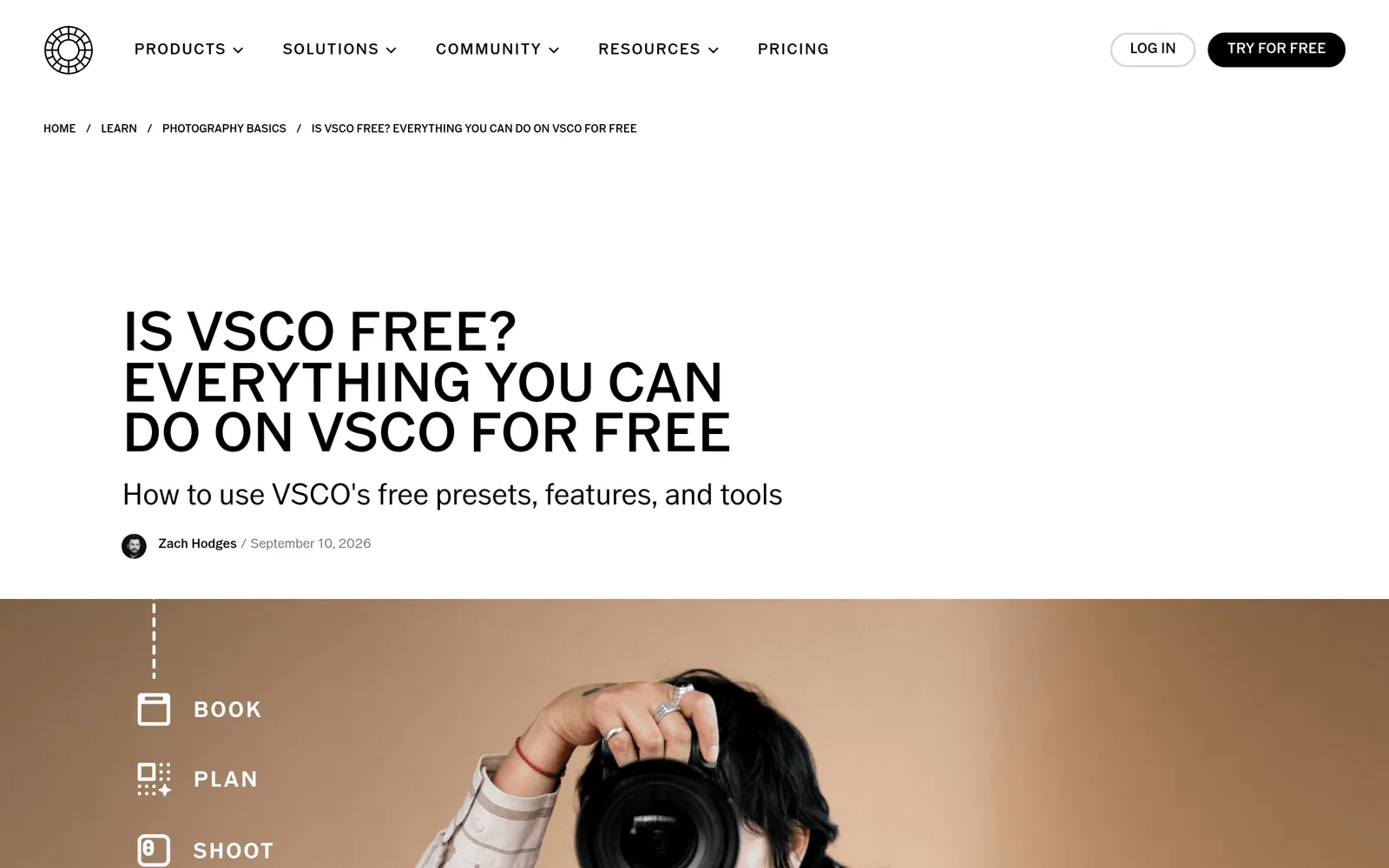
VSCO publishes the Starter boundaries in its guide to using VSCO for free, updated September 10, 2026.
Verdict: choose it if photo quality is the differentiator on your grid and you never need in-app video editing.
| Attribute | Detail |
|---|---|
| Cost | $0 for Starter |
| Access requirement | Mobile app or web, free account |
| Free allowance | 15 presets, core adjustment tools, 1 saved Recipe, VSCO Capture, Spaces, and Galleries |
| Documented limit | No video editing tools on Starter; advanced tools including HSL and Grain are paid; ads appear on the free tier |
| Paid upgrade | Plus and Pro memberships, sold on monthly or annual billing |
What the free plan includes
Fifteen presets, and they are not the leftovers. You can dial preset strength instead of applying it flat, and the core adjustments are precise enough for serious editing. Exports go to your camera roll at full resolution.
Where it falls short
Video editing is absent on Starter, and Grain, the effect most people associate with the app, sits in the paid advanced set. One saved Recipe means you cannot keep two signature looks without rebuilding one by hand. There is no publishing or analytics layer, so VSCO is always a component, never a stack.
Non-obvious insight
Spaces is free on Starter, and it works as a shared visual reference area for a small team - the community layer doubling as a working mood board. Create a Space for the next campaign, invite the photographer and the person approving assets, and collect references and draft edits outside your DMs. Verify contributor and privacy settings for your own case before you put client material in there.
Ideal fit
Fashion, food, travel, and interiors accounts where photograph quality is the differentiator on the grid.
Skip it if
Your content is Reels-first or template-driven. Edits and Canva already cover you.
9. Clipchamp Free: Best for Desktop Video and Captions
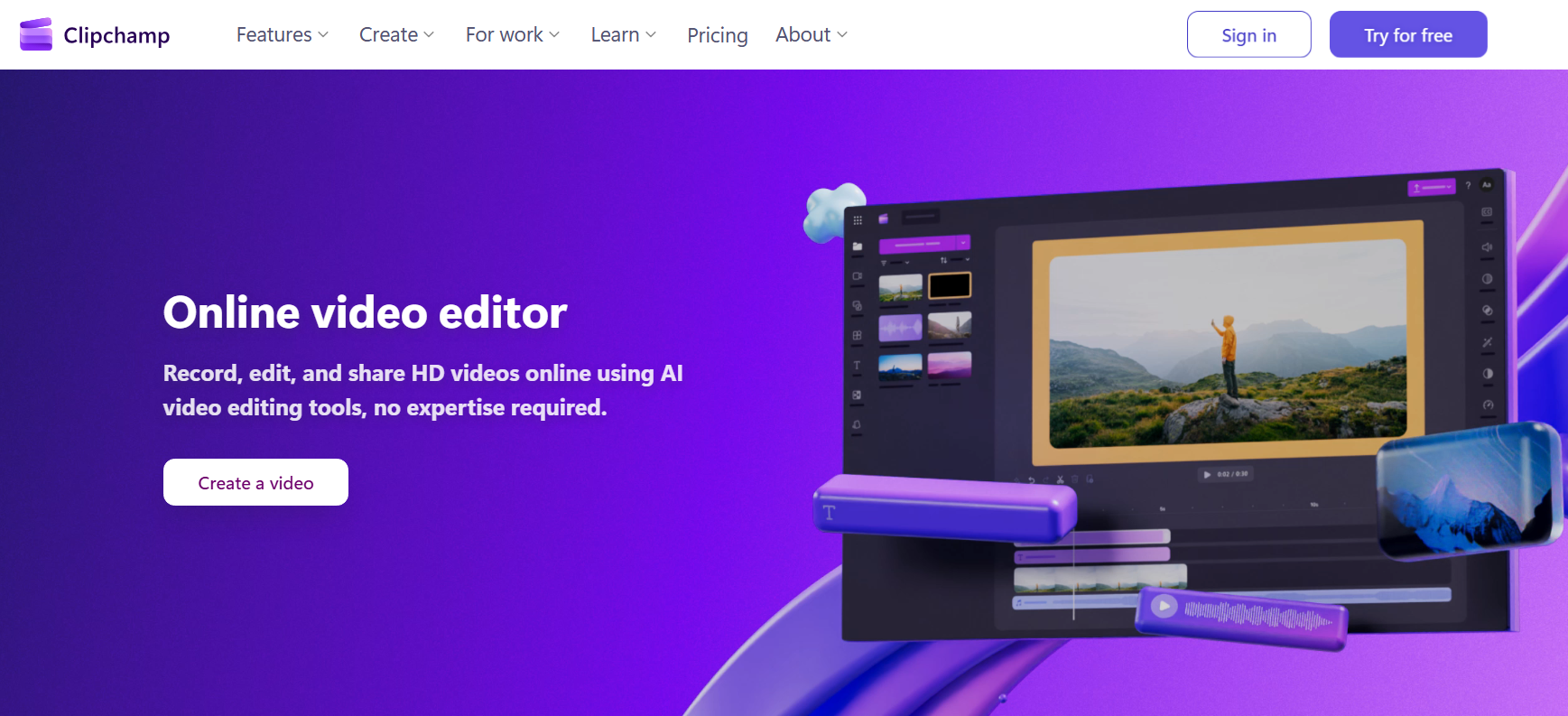
Microsoft documents the tiers in its overview of Clipchamp products and cost.
Verdict: the free desktop pick when captions have to be exactly right and reusable as text.
| Attribute | Detail |
|---|---|
| Cost | $0 for the personal free tier |
| Access requirement | Browser or Windows app, Microsoft account |
| Free allowance | Video editing with your own footage and free stock, exports up to 1080p, free autocaptions with an editable transcript and SRT download |
| Documented limit | One transcription language per video in the documented autocaptions workflow; premium stock and filters are paid |
| Paid upgrade | Premium tier for higher-resolution export and premium content |
What the free plan includes
Desktop editing with captioning that produces a file you can keep. The SRT download is the part that matters, because it turns a caption pass into reusable text rather than pixels burned into a video.
Where it falls short
It is not built around Instagram formats the way Edits is, so you are managing aspect ratio and safe areas yourself. One transcription language per video means bilingual recordings need checking line by line. And 1080p is fine for Instagram but limiting if the same asset has a broadcast life.
Non-obvious insight
Keep the corrected transcript, not just the video. That text becomes the Instagram caption, the carousel that repurposes the same explanation, and the support answer your team pastes for the next month. Most teams delete the most reusable asset they produced.
Ideal fit
Narrated tutorials, interviews, webinar cutdowns, and any video where a wrong product name in the captions would be expensive.
Skip it if
You shoot and publish entirely from a phone. Edits will be faster end to end.
10. Pexels: Best for Supporting Photos and Video
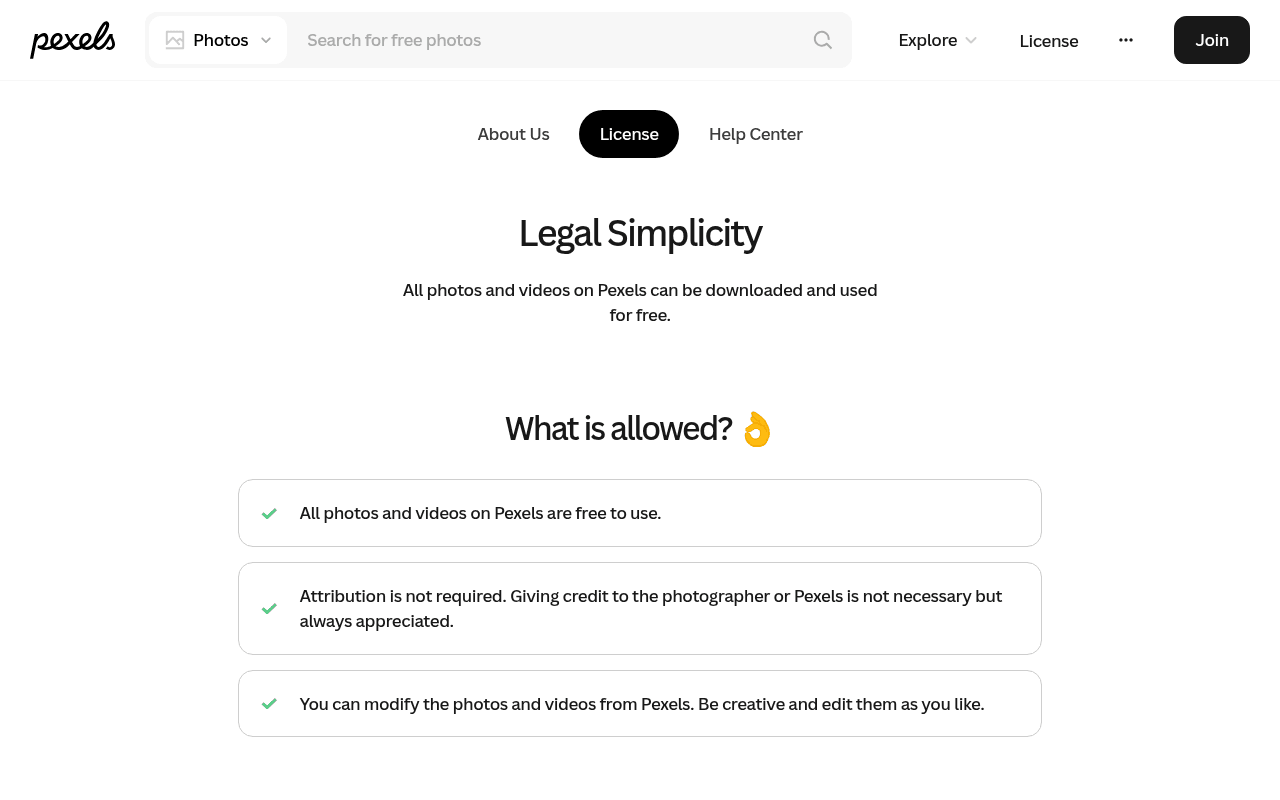
The terms are set out in the Pexels license.
Verdict: use it for B-roll, backgrounds, and concept visuals, never as proof of your own product, team, or customers.
| Attribute | Detail |
|---|---|
| Cost | $0 |
| Access requirement | None for downloads |
| Free allowance | Whole library, photos and video, free to use and modify including for marketing and social media |
| Documented limit | No attribution required, but you may not imply that depicted people or brands endorse your product, and there is no exclusivity |
| Paid upgrade | None. Canva's company timeline places its acquisition of Pexels in 2019, and the library is searchable inside the Canva editor |
What the free plan includes
Everything, including vertical video that works as Reels B-roll without a shoot. No attribution line cluttering your caption, and no per-asset license to track.
Where it falls short
Popular files are heavily reused, niche subjects are thin, and you will not find the depth of model-released imagery a paid catalogue offers. Nothing here is exclusive to you.
Non-obvious insight
Separate illustration from proof. Stock footage is fine for explaining an idea and wrong the moment the post makes a claim about your business. Never present a stock model as a customer or an unrelated building as your premises, because that is the version of stock usage that damages trust rather than just looking generic.
Ideal fit
Backgrounds, transitions, concept visuals, and B-roll for teams without a photography budget.
Skip it if
The post is about your actual product, your actual team, or your actual results. Shoot it.
11. Linktree Free: Best for a Reusable Link-in-Bio Destination
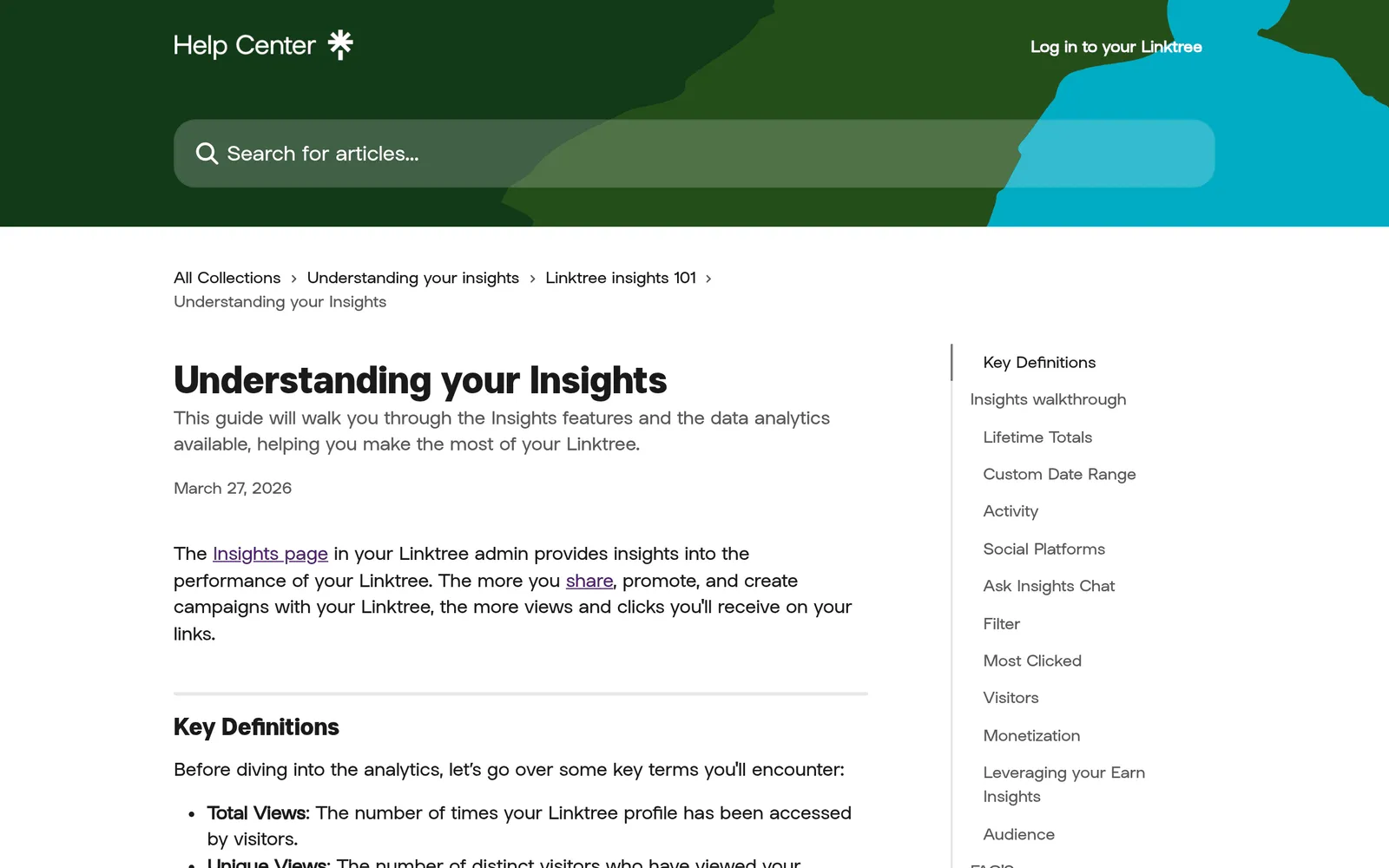
Linktree documents the reporting boundaries in its help article on understanding your Insights.
Verdict: choose it if you rotate bio destinations often and want click data without building a landing page.
| Attribute | Detail |
|---|---|
| Cost | $0 for Free |
| Access requirement | Free account; your page lives at linktr.ee/yourname |
| Free allowance | Unlimited links, basic themes, QR code, and analytics for the last 28 days alongside lifetime click totals |
| Documented limit | Linktree branding stays, deeper reporting and link scheduling are paid, and your own test clicks are counted in Insights |
| Paid upgrade | Paid tiers for branding removal, longer analytics history, and scheduling |
What the free plan includes
A hosted page you can reorganize in two minutes, unlimited destinations, and enough click data to answer the only question a bio page really raises: which link do people actually use.
Where it falls short
Twenty-eight days of selectable history is short if you review monthly. Design control is limited to the stacked layout. And there is one change from 2026 that most lists have not caught.
Non-obvious insight
Linktree's documentation dated July 23, 2026 describes a limited test of ads on free Linktrees in eligible countries, where some visitors can see an ad between clicking a link and reaching the destination. It does not apply to every free page or every visit, but it sits directly on your conversion path. Test your own page from a logged-out mobile browser before a launch, and remember that your own QA clicks inflate your numbers.
Ideal fit
Creators and businesses who rotate destinations often, or who need click data without building a landing page.
Skip it if
You have a website and five or fewer destinations. Instagram has allowed multiple links in the bio since 2023, and a page you own keeps the click data, the branding, and the URL. That last point is a portability issue nobody raises: you cannot redirect a linktr.ee address you do not control, so a hosted page you own is the one that survives a tool change. If Instagram is one channel in a broader plan to boost social presence, own the destination.
Free Instagram Tools Compared: Every Free-Plan Limit in One Table
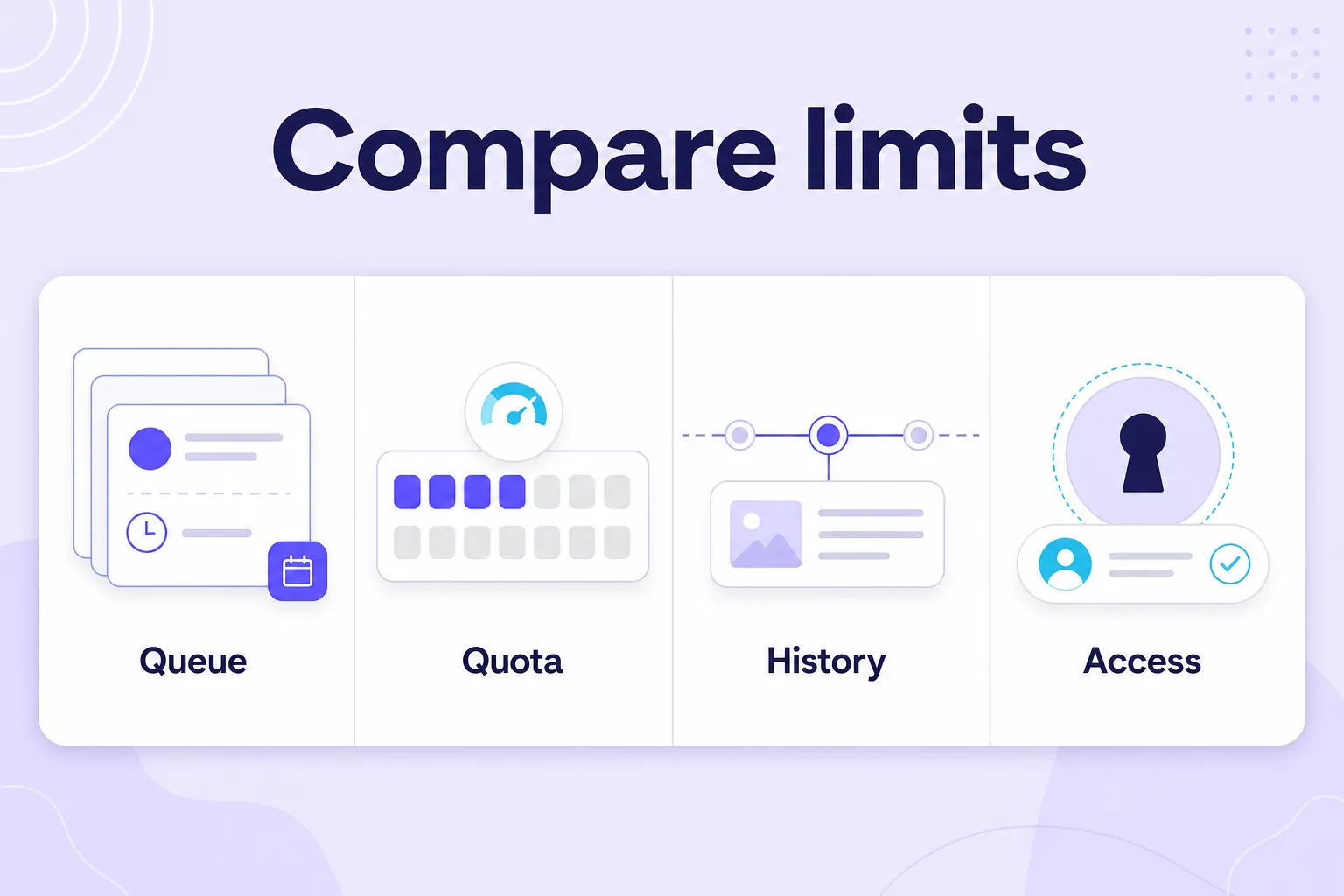
Compare restrictions, not headline numbers. A queue cap, a monthly quota, an export limit, and an analytics history window measure four different things. Buffer Free holds 10 queued posts per channel that refill after publishing. Metricool Free allows 20 planner posts per month. Adobe Express Free allows up to 1,000 posts per month but only one account per network.
| Tool | Category | Permanently free? | Free limit in one line | Paid entry point |
|---|---|---|---|---|
| Instagram Insights | Native analytics | Yes | Reporting window up to 90 days, 100-account demographics threshold | None |
| Edits by Instagram | Video production | Yes | Phone-first, announced Edits Plus is paid | Meta One (announced) |
| Meta Business Suite | Scheduling and inbox | Yes | Meta networks only | None |
| Buffer | Cross-platform scheduling | Yes | 3 channels, 1 user, 10 queued posts per channel, 8 unique channels per network | $6 per channel per month |
| Metricool | Planning and reporting | Yes | 1 brand, 20 posts per month, 30 days history, 5 fixed competitors | Paid tiers by brand and user |
| Adobe Express | Design and scheduling | Yes | 1 account per network | Paid Express plan |
| Canva | Design | Yes | 5GB storage, 3-color Brand Kit, Pro content locked | Canva Pro, single user |
| VSCO | Photo editing | Yes | 15 presets, 1 Recipe, no video tools | Plus and Pro memberships |
| Clipchamp | Desktop video and captions | Yes | 1080p export, one transcription language per video | Premium tier |
| Pexels | Stock media | Yes | Non-exclusive, no implied endorsement | None |
| Linktree | Link in bio | Yes | 28-day analytics, branding, ads pilot on some free pages | Paid tiers |
Free Instagram Analytics Tools: Which Free Plan Reports What?
The best free Instagram analytics tool is Instagram Insights, because it reports your account with no API layer in between; add Metricool Free if you also want competitor benchmarks, and Linktree Free if you need click data on your bio destinations.
| Free analytics tool | What it reports | History on the free plan |
|---|---|---|
| Instagram Insights | Views, engagement, audience, share and skip behavior on video, follower activity by day and hour | Preset ranges up to the last 90 days, plus custom ranges inside that window |
| Metricool Free | One brand's analytics plus 5 competitor slots, activity heatmap, grid preview | 30 days of analytics history |
| Buffer Free | Basic analytics on 3 connected channels | Analytics ranges up to 30 days |
| Linktree Free | Clicks per link on your bio page, plus lifetime totals | Analytics for the last 28 days |
Two rules that follow from that table. First, when a dashboard disagrees with Insights, Insights wins. Second, none of these four is an archive: the shortest window in your stack decides how often you have to write numbers down, which is the point of the Shortest-Window Rule.
Free Instagram Scheduler: Which Free Plan Publishes What?
The best free Instagram scheduler is Meta Business Suite for Meta-only brands, Buffer Free once you add a third network, and Adobe Express Free if you design and publish in the same place.
| Free scheduler | Free publishing allowance | Hard boundary |
|---|---|---|
| Meta Business Suite | Posts, Reels, and Stories on Facebook and Instagram, no post cap | Meta networks only |
| Buffer Free | 10 queued posts per channel at a time, slots reopening after publication; Instagram Stories scheduling included | 3 channels, 1 user, 8 unique channels per network over the life of the account |
| Adobe Express Free | Up to 1,000 posts per month across supported networks | 1 connected account per network |
| Metricool Free | 20 planner posts per month | 1 brand; LinkedIn and X not included on Free |
Before you standardize on any of them, run the Queue-versus-Quota Test and confirm that the scheduler preserves alt text and carousel order, because automated publishing sometimes drops the field you assumed was mandatory.
Free Instagram Reels and Video Editors: Which One, When?
Use Edits by Instagram for phone-first Reels with watermark-free export, Clipchamp Free on desktop when the captions have to be exact, VSCO Starter for photo-led grids, and Canva Free for graphics and carousels.
- Edits by Instagram - free, no added watermark, capture up to 10 minutes, and performance feedback including skip rate.
- Clipchamp Free - exports up to 1080p, free autocaptions with an editable transcript and an SRT download, one transcription language per video.
- VSCO Starter - 15 presets and 1 saved Recipe for stills; no video editing tools on Starter.
- Canva Free - every Instagram format has a preset, from carousel slides to Reel covers; Pro content stays locked.
- Pexels - vertical stock video for B-roll, free to use and modify, no attribution required.
What About Free AI Caption Generators, Hashtag Tools, and DM Automation?
Most of the job is already native or covered by a listed tool: Edits and Clipchamp Free both generate captions for free, Clipchamp gives you an editable transcript and an SRT download, Instagram has respected line breaks typed straight into the caption field for years, and Instagram's own search plus your own reporting already show which tags carry your content - see how to find trending hashtags for the approach that needs no account access.
For DMs, Meta Business Suite answers Instagram and Facebook messages and comments from one free unified inbox, which is the free route I would standardize on before adding a third-party automation layer. The one rule with no exceptions applies to all three categories: never hand your Instagram username and password to a free web tool, especially a hashtag utility or a DM app - legitimate tools connect through Instagram's official authorization flow. And if what you actually want is to see conversations and tags you did not start, that is hashtag monitoring and listening, not caption generation, which is priced out honestly in the next-but-one section.
Head to Head: The Three Choices People Actually Agonize Over
Meta Business Suite vs Buffer: Which Free Instagram Scheduler?
Business Suite has no post cap but covers only Facebook and Instagram. Buffer covers nearly every network but holds ten queued posts per channel. Meta-only, choose Business Suite. Third network, choose Buffer.
Canva vs Adobe Express for Instagram: Which Free Design Tool?
Canva wins on template and asset breadth for carousels. Adobe Express wins when the bottleneck is the handoff from design to publishing, thanks to a 1,000-post monthly allowance on one account per network. Build the same asset in both, publish one post from each, and keep the one that removed more steps.
Edits vs Clipchamp: Which Free Video Editor?
Edits is the phone-first Instagram workflow with skip rate feedback attached. Clipchamp is the desktop workflow where you can correct a transcript properly and download the SRT. Creators pick Edits. Teams producing narrated or interview content pick Clipchamp, and plenty use both.
| Tool A vs Tool B | Choose A when | Choose B when |
|---|---|---|
| Meta Business Suite vs Buffer | Your presence is Instagram plus Facebook only and you want posts, Reels, Stories and a unified inbox with no post cap | You publish to a third network and can work inside 3 channels, 1 user, and 10 queued posts per channel |
| Canva vs Adobe Express for Instagram | You need the widest template and asset breadth for carousels, announcements, and Story graphics | The design-to-publishing handoff is the bottleneck and 1 account per network at up to 1,000 posts per month fits |
| Edits vs Clipchamp | You shoot and publish on a phone and want watermark-free export plus skip rate feedback | You edit on desktop and need an editable transcript and SRT download, with exports up to 1080p |
Is There a Free Instagram Social Listening Tool?
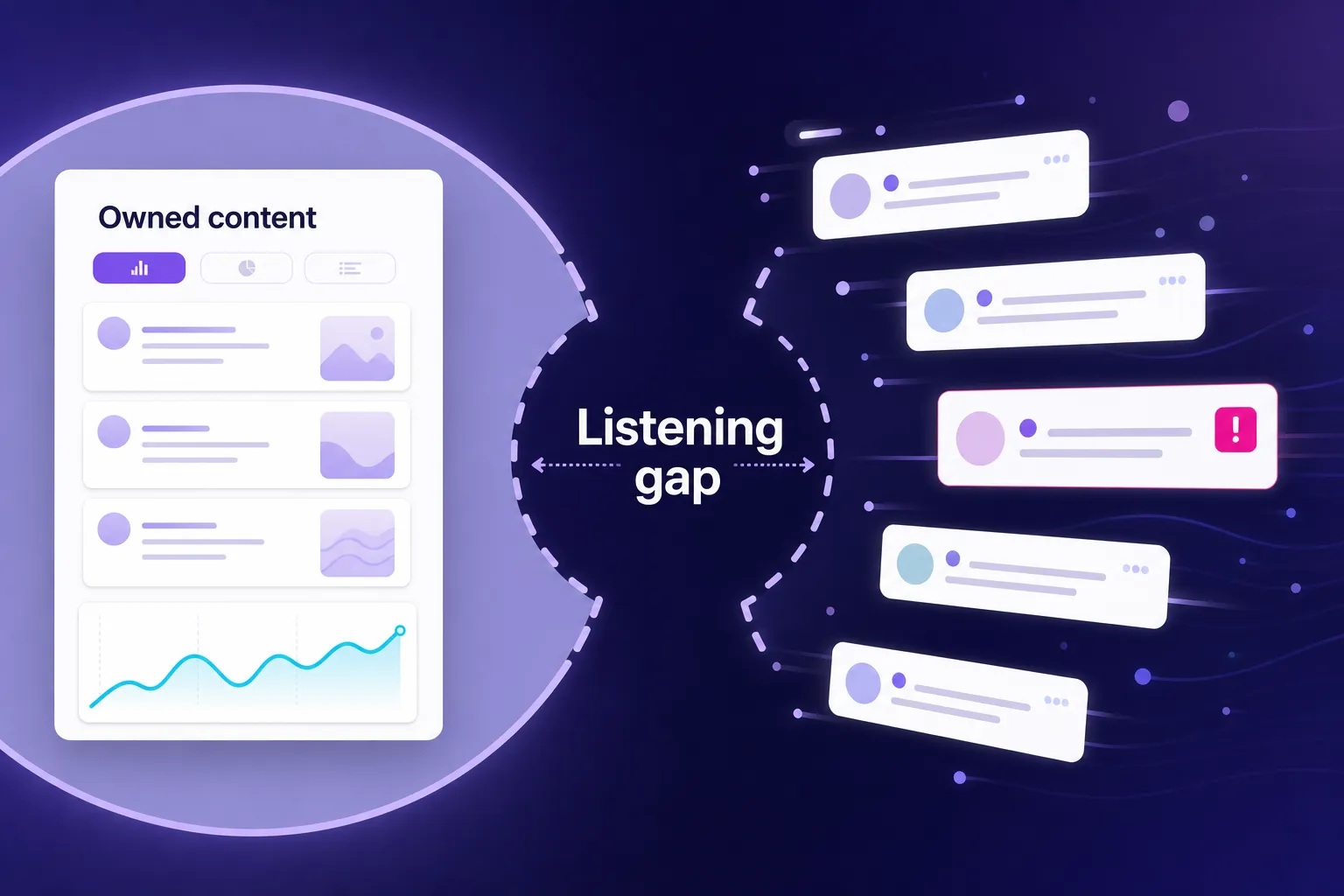
Social listening is the practice of collecting and analyzing public conversations about a brand, product, or topic across social networks and the wider web, including mentions that never tag the brand's account. No, there is no free plan on this list that does it: the one job no free Instagram tool does is listening. Everything in the eleven reviewed above reports on content you published. Listening reports on conversations you did not start, and none of these tools shows you the customer who wrote your brand name in a caption without tagging you.
That is the real gap, and it is the one I see cost teams the most. The mention that changes a decision is almost never the tagged one. It is the untagged complaint in a caption, the competitor comparison buried in someone else's comments, or a sudden spike in a hashtag you do not use, and none of it appears in Insights.
BrandMentions is the tool that might work for exactly that job, and I am going to be straight about the terms rather than count it as free. It runs on a 7-day free trial, after which the entry plan is $99 per month. If you want to test it honestly, set up your brand name, your product names, your branded hashtag, and two competitor terms on day one, then export everything before day seven. Consistent hashtag monitoring is what turns that snapshot into an early warning system.
If you run a brand rather than a personal account, spend one week listening before you buy anything else. It is the only exercise on this page that reliably tells you something you did not already suspect.
What Counts as a Genuinely Free Instagram Tool in 2026?
A free Instagram tool is any app, platform feature, or web service that lets you plan, create, publish, or analyze Instagram content on an ongoing zero-cost plan, as opposed to a time-limited trial that converts to a paid subscription. A freemium product qualifies only for the features its permanent free plan includes, not for everything its marketing page shows.
That distinction does real work. Several roundups still list tools as free when the free plan either disappeared, stopped publishing its limits, or moved the one feature you needed behind payment. If you build a two-week content calendar on a misread plan, you lose the calendar and the two weeks.
The Export-First Test: judge a free editor by a completed export of your hardest real asset, not by whether it lets you open a project.
Build the actual carousel. Add the actual fonts. Then finish the download. Canva's own licensing explanation separates free content from Pro content, which is why a template you can open and edit can still stop you at the final step. Run that test once per tool and you will never be surprised at deadline.
Do You Still Need Third-Party Tools When Instagram Ships So Much Natively?
Less than you did two years ago, and the difference is large enough to change your budget. Meta launched Edits in April 2025 as a free standalone video app with frame-accurate editing, capture up to ten minutes, watermark-free exports, and performance feedback including skip rate. On August 6, 2025, Meta added native reposts for public Reels and feed posts, with attribution built in and reposts collected in a separate profile tab.
The free stack that works in 2026 is small. One analytics source, one creation tool, one publishing route. Instagram Insights plus Edits plus either Meta Business Suite or Buffer covers a serious single-brand operation at zero cost.
So the honest answer is that you need third-party tools for four things Meta does not do for you:
- Publishing beyond Meta - posting to networks outside Facebook and Instagram. Any network beyond Facebook and Instagram needs a third-party scheduler.
- Keeping history - storing performance data longer than Instagram's reporting window. Nothing native stores results for longer than Instagram's reporting window.
- Comparing competitors - benchmarking your account against other accounts. Native reporting shows your account only, never anyone else's.
- Listening outside your account - catching conversations you did not start. Conversations that never tag you are invisible to Insights.
If a free tool does none of those four things better than Meta's own surfaces, you do not need it.
If your entire presence is Instagram and Facebook, you can run a professional program on Meta's free surfaces and one design tool. The moment you add a third network or need year-over-year numbers, you cross into third-party territory and should pick deliberately rather than installing four apps and deciding later.
Stop counting how many metrics a free tool reports. Count how many of your decisions it has changed in the last month. If the answer is zero, the tool is reporting work, not marketing value.
What Should You Check Before You Connect Any Free Tool to Your Instagram Account?
Run these five checks, in this order. They take twenty minutes and they prevent most of the problems I see teams hit in month two.
- Account eligibility. Access to Insights, in-app scheduling, creator features, and third-party publishing depends on whether your account is public, whether it is a professional (Business or Creator) account, whether a Facebook Page is connected, your country, and whether a feature has reached your app version yet. Instagram's own Insights documentation is the place to confirm your case, because eligibility language changes and rollouts are phased. Check your own app before you promise a workflow to a client.
- What happens to the files you upload. Free AI captioning, upscaling, and background tools usually process your media on their servers. Before you upload unreleased product footage, customer video, or anything under NDA, read the vendor's terms for retention periods, whether uploads can be used to improve models, and what happens to your assets when you stop using the account. A free tier is a fine place to test a workflow and a poor place to store the only copy of an embargoed asset.
- Music rights. Audio you add inside Instagram is licensed for use inside Instagram. It is not a license for your ad account, and it is not a license to reupload the same cut to YouTube or TikTok. Business accounts also see a narrower catalogue than personal or creator accounts in many regions, so a Reel that sounded right on a personal test account can come back silent on the brand account.
- Permission for anything that is not yours. Native reposts carry attribution, which is not the same as consent to feature someone in your grid or behind ad spend. Keep a simple record for every piece of user content you use: who granted permission, what they agreed to, whether paid amplification is included, when it expires, and how they can withdraw it.
- Accessibility fields your publishing route may drop. Caption text is the easy part. Also check contrast against the video, keep burned-in text out of the interface safe areas, describe non-speech audio when it carries meaning, and confirm your scheduler still lets you add alt text and preserves carousel order. Automated publishing sometimes strips the field you assumed was mandatory.
One rule has no exceptions: never hand your Instagram username and password to a free web tool. Legitimate tools connect through Instagram's official authorization flow.
Can You Find and Vet Creators for Free in 2026?
Yes, and this is the category that changed most since the original version of this list. Brand Collabs Manager is retired. Its function moved into Meta Creator Marketplace, which sits inside Meta Business Suite and Ads Manager, where you filter creators by audience location, age, gender, interests, and follower range, then see how closely their audience matches yours.
On June 23, 2026, Meta announced a Creator Marketing Hub that combines Creator Marketplace and the Partnership Ads Hub, described as launching later in the year. Treat it as rolling out rather than finished, and expect country exceptions plus additional eligibility conditions on both the brand and creator side. Discovery and outreach cost nothing. Creator fees and ad spend do not.
One number worth using carefully. Meta reported roughly 19% lower cost per acquisition and 13% higher click-through when advertisers added partnership assets to campaigns, based on a June 14 to 21, 2025 experiment across approximately 2,400 advertisers running business-as-usual campaigns. That is evidence about paid amplification with a creator attached, not evidence that a free discovery tool improves organic reach. When you find Instagram influencers this way, sort by audience match and saves per view in your category, not by follower count.
What Dropped Off the List, and Why
Later. Its help center still documents a Free plan with limited scheduling, a Link in Bio page, introductory analytics, and one Access Group, while the public pricing page leads with a 14-day trial and paid plans from $25 per month. What it does not publish anywhere is the number of free posts you get, and I will not invent one. Later remains a strong paid visual planner, and qualified non-profits can get 50% off the annual Growth plan, which is worth knowing if you are in that category. Just do not build a calendar on an allowance nobody will state.
CapCut. The most common question about this list is why CapCut is not on it, and the answer is sourcing rather than quality. This roundup only lists a tool once I can read its current free-plan boundaries in the vendor's own pricing page, help center, or product announcement, and I could not do that for CapCut during the September 2026 verification pass, so there is no free allowance I am willing to print next to its name. It stays off the numbered list for the same reason Later does: an unstated ceiling is not a verified one. If it is already your editor, that is a reasonable choice - just run the Export-First Test on a finished, watermark-free export of your hardest real asset before you standardize on it, and keep Edits in mind as the Instagram-first default with documented watermark-free export plus skip rate feedback, and Clipchamp as the desktop alternative with an editable transcript and SRT download.
InShot. Same reason, same treatment. Popular phone editor, no free-plan allowance I could verify from official documentation in this pass, so it is not listed with a limit I would have to guess at.
Preview App. A well-known Instagram grid planner, but again no free-plan allowance I could confirm against vendor documentation during this pass. If a visual grid preview is the feature you actually need, Metricool Free and Adobe Express Free both include one inside plans whose limits are published.
Standalone repost apps. Native reposts arrived in August 2025 for public Reels and feed posts, with attribution, collected in a separate profile tab. That covers redistribution. It does not put a licensed piece of user content into your main grid, so if grid placement is part of your strategy you still need explicit permission and a download-and-publish workflow, not an app that skips the permission step.
Brand Collabs Manager. Retired into Creator Marketplace, which is being folded into the Creator Marketing Hub announced in June 2026. Delete the old bookmark.
Autocap and the 5-minute caption apps. Edits and Clipchamp both generate captions for free without a watermark or a transcription ceiling that stops mid-video.
Caption line-break formatters. Instagram has respected line breaks typed directly into the caption field for years. Write in your notes app, paste, done.
Hashtag utilities that ask for your Instagram login. Never hand credentials to a free web tool. Instagram's own search and your reporting already tell you which tags carry your content, and a sensible approach to trending hashtags does not require account access.
The old caption uplift statistics. You will still see claims that captions lift view time by 12% or reach by 16%. I have not been able to trace those figures to a published study with a stated method, so caption your videos because most people watch without sound, and keep the percentages out of your client deck.
The Replacement Rule: when Instagram ships a native version of a third-party tool's core feature, plan your switch within one quarter. Native features get platform data no third party can access, and they do not break when an API changes. The exception is any workflow you need to keep when you leave Instagram's surfaces, which is why exports still matter.
How Do You Verify a Free Instagram Tool Yourself? Run This 60-Minute Test
Nobody should take a tool list, including this one, as a substitute for one test on your own account. Free plans differ by country, account type, and app version, so here is the check I run before recommending anything to a team.
Write down five things first: your account type, your country, your operating system and app version, the exact test asset you will use, and the publishing outcome you expect. Then do this in order.
- Connect. Note every permission the tool requests and whether it needs a Facebook Page.
- Build. Create your most demanding real asset, not a sample. A carousel with brand fonts or a captioned 45-second video.
- Export. Complete the download. Record any watermark, resolution cap, or license prompt.
- Publish. Schedule one post and confirm whether it published automatically or asked you to finish inside Instagram.
- Check the fields. Confirm alt text, carousel order, and caption formatting survived the trip.
- Record. Save the result with the date. In six months that note is worth more than any roundup.
During your next social media audit, repeat the test on the two tools you actually use and drop anything that duplicates work without changing a decision.
Before You Commit: Rights, Access, and Exit Costs
The Shortest-Window Rule: record your results before the briefest reporting window in your stack rolls over.
Linktree Free shows 28 days. Metricool Free shows 30. Instagram's window is longer but does not export itself. If you review once a month, you will lose part of the history every month, so keep a weekly line in a spreadsheet with the number and the decision it drove.
Set up conversion measurement once, properly. Tag each bio destination with campaign parameters so your own analytics can separate Instagram organic traffic from paid, define the event that counts as a conversion on the destination page, and never credit ad clicks to organic bio traffic because both arrived through the same link. Remember that your own test clicks are in the click data too.
Keep an exit plan for every tool that holds something you need. Editable source files, font licenses that do not travel with the design, saved reports downloaded before a downgrade locks them, and a link-in-bio address you can redirect. Free plans are excellent places to prove a workflow and poor places to store the only version of anything.
Frequently Asked Questions
What are the best free Instagram tools in 2026?
The best free Instagram tools in 2026 are Instagram Insights for first-party analytics, Edits by Instagram for phone-first Reels, Meta Business Suite or Buffer Free for scheduling, and Canva Free or Adobe Express Free for design. Add Metricool Free for competitor benchmarks on a single brand, Clipchamp Free for desktop captions with an SRT download, VSCO Starter for photography-led grids, Pexels for supporting photos and video, and Linktree Free for a link-in-bio page. Pick one tool per job rather than one per category, because the working free stack is one analytics source, one creation tool, and one publishing route.
What is the best free Instagram scheduler in 2026?
If you publish only to Instagram and Facebook, Meta Business Suite is the strongest free option, with no post cap and support for posts, Reels, and Stories. If you publish to other networks too, Buffer Free gives you three channels and ten queued posts per channel, with Instagram Stories scheduling included. Adobe Express Free is worth evaluating if you also design your content there, since it documents up to 1,000 posts per month on one account per network.
Is Meta Business Suite free?
Yes. Meta Business Suite is free as a management tool: it schedules posts, Reels, and Stories on Facebook and Instagram and gives you one unified inbox for DMs and comments, with no post cap and no paid upgrade for the tool itself. The limit is coverage rather than cost - it touches nothing outside Meta's networks, and advertising spend is billed separately. You need appropriate access to the connected business assets, usually a Page plus a professional Instagram account.
Does Buffer's free plan schedule Instagram Stories?
Yes. Instagram Stories scheduling is included on Buffer Free, which contradicts a claim repeated constantly in older roundups, so check Buffer's feature matrix rather than the rumor. The real free-plan boundaries are 3 connected channels, 1 user, and 10 queued posts per channel at a time with slots reopening after publication, plus analytics ranges up to 30 days.
Does Instagram have a free analytics tool?
Yes. Instagram Insights is free and reports views, reach, interactions, share and skip behavior, new followers, and audience activity, with preset and custom ranges inside a window of up to 90 days. Audience demographics only appear once you have reached or engaged at least 100 accounts in the selected period. Access depends on your account being public, and the full professional dashboard requires a Business or Creator account, so confirm your own setup in the app.
What free tool can I use to edit Instagram Reels without a watermark?
Edits by Instagram. It is free, exports carry no added watermark, it captures up to 10 minutes, and it reports performance feedback including skip rate, which is why it is the default Reels editor on this list. On desktop, Clipchamp's free personal tier is the alternative: editing with your own footage and free stock, exports up to 1080p, and free autocaptions with an editable transcript and an SRT download. Use Edits if you shoot and publish on a phone, and Clipchamp if the video is narrated or interview-based and the captions have to be exactly right.
Is Later free in 2026?
Partly, and not in a way you can plan a calendar around, which is why it is in the dropped-off section rather than the main list. Later's help center still documents a Free plan with limited scheduling, a Link in Bio page, introductory analytics, and one Access Group, while the public pricing page leads with a 14-day trial and paid plans from $25 per month. The number it does not publish anywhere is how many free posts you actually get, so treat Later as a strong paid visual planner; qualified non-profits can get 50% off the annual Growth plan.
Is Canva Free good enough for Instagram?
For most small businesses and solo creators, yes. Canva Free includes over 1.6 million templates, more than 4.7 million photos, videos, graphics and audio files, 5GB of storage, and access to Affinity. The two limits that push people to Pro are the three-color Brand Kit and the missing background remover and one-click resize, and eligible nonprofits and schools should check Canva's education and nonprofit programs before paying anything.
Are there free AI caption generators, hashtag tools, and DM automation tools for Instagram?
There are many, but none is ranked here because I could not read a current free-plan allowance for them in official vendor documentation during the September 2026 pass. Most of the work is already covered free: Edits and Clipchamp generate captions at no cost, Clipchamp adds an editable transcript and SRT download, Instagram respects line breaks typed into the caption field, Instagram's own search and your reporting show which hashtags carry your content, and Meta Business Suite handles Instagram and Facebook DMs and comments in one free inbox. Never give your Instagram username and password to a free caption, hashtag, or DM tool - legitimate tools use Instagram's official authorization flow.
Are free Instagram tools safe to connect to my account?
They are, if you run five checks before you connect: account eligibility for the feature you need, what the vendor does with the files you upload, the limits of in-app music licensing, documented permission for any content that is not yours, and whether the publishing route preserves accessibility fields like alt text and carousel order. One rule has no exceptions: never hand your Instagram username and password to a free web tool, especially a hashtag utility. Legitimate tools connect through Instagram's official authorization flow, and Instagram's API also caps what any third party can collect - public professional content and hashtag data are reachable, private accounts and Stories are not.
Can I see who mentions my brand on Instagram without tagging me, for free?
Not inside Instagram. Insights reports only on activity connected to your own account, so untagged captions and comments on other people's posts are invisible to it. Seeing those requires a listening platform, and the honest version of the answer is that this category runs on trials rather than free plans: BrandMentions offers seven days free, then $99 per month billed quarterly at $297 plus tax, or $79 per month billed annually.
Conclusion: Build for Decisions, Not for Dashboards
The free Instagram toolkit is smaller in 2026 than it was in 2023, and considerably better. Instagram absorbed video editing, reposting, scheduling, creator discovery, and most of what people used to install four apps for. The tools that survive on a serious stack now do one of four things Meta will not do for you: publish beyond Meta, keep history, compare competitors, or listen outside your own account.
So here is the Monday version. Open Insights and write down your skip rate and your share behavior for the last 30 days. Cut the next Reel in Edits with those two numbers in front of you. Schedule it in Business Suite or Buffer, check the alt text, and save the result with the date.
Then, if you run a brand rather than a personal account, spend one week reading what people say when they do not tag you. Everything else on this page helps you publish better. That one week is the only thing on it that tells you what to publish next.